You published something good eighteen months ago. It ranked for a week, picked up a couple of links, and then went quiet. Today it sits on page 4 of your blog, fully published, indexed in Google, and pulling close to zero traffic. Not deleted, not broken, just gone silent.
If that pattern feels familiar, and you run a content-heavy site, this is a Webflow pagination SEO problem, and it is more specific than "Google forgot about my old posts." It has a precise mechanism, and once you can name it, the fix is straightforward.
One thing up front, because it is where most posts on this get it wrong: pagination is not the villain. Google is on record that pagination is a normal, valid way to organise a large set of pages, and publishes best practices for doing it well. The problem is not that Webflow paginates. The problem is what Webflow's default pagination does, and does not do, with your internal link equity.
First, the symptom you already recognise
You do not need analytics to feel this one. Your best recent work does fine. Your best older work does nothing.
Open Search Console, filter to your blog posts, and sort by impressions. You will almost certainly see a cliff. The newest handful of posts earn impressions. Everything past the first page or two of your blog earns a trickle, then flatlines. The content is not thin. It is not outdated. It is simply not being seen.
That cliff usually lines up, near enough, with where page 1 of your blog listing ends.
The mechanism: page 1 hoards your internal links
Here is what is actually happening, and it is about internal links, not crawling.
Google uses links to discover pages and to judge how important they are, and a page divides that signal among the links it contains. Your blog listing page is one of the most-linked, most-authoritative pages you have. Your header links to it, your footer links to it, your homepage links to it. It is a hub.
On that hub, page 1 links directly to your most recent posts. Those posts get a strong, direct internal link from a strong page. Good.
The posts on page 2, page 3, page 4? Page 1 does not link to them at all. It links to a
pagination control, a "Next" or a numbered link that points at
?…_page=2. That paginated URL is a real, crawlable link, so this is not a discovery
failure.
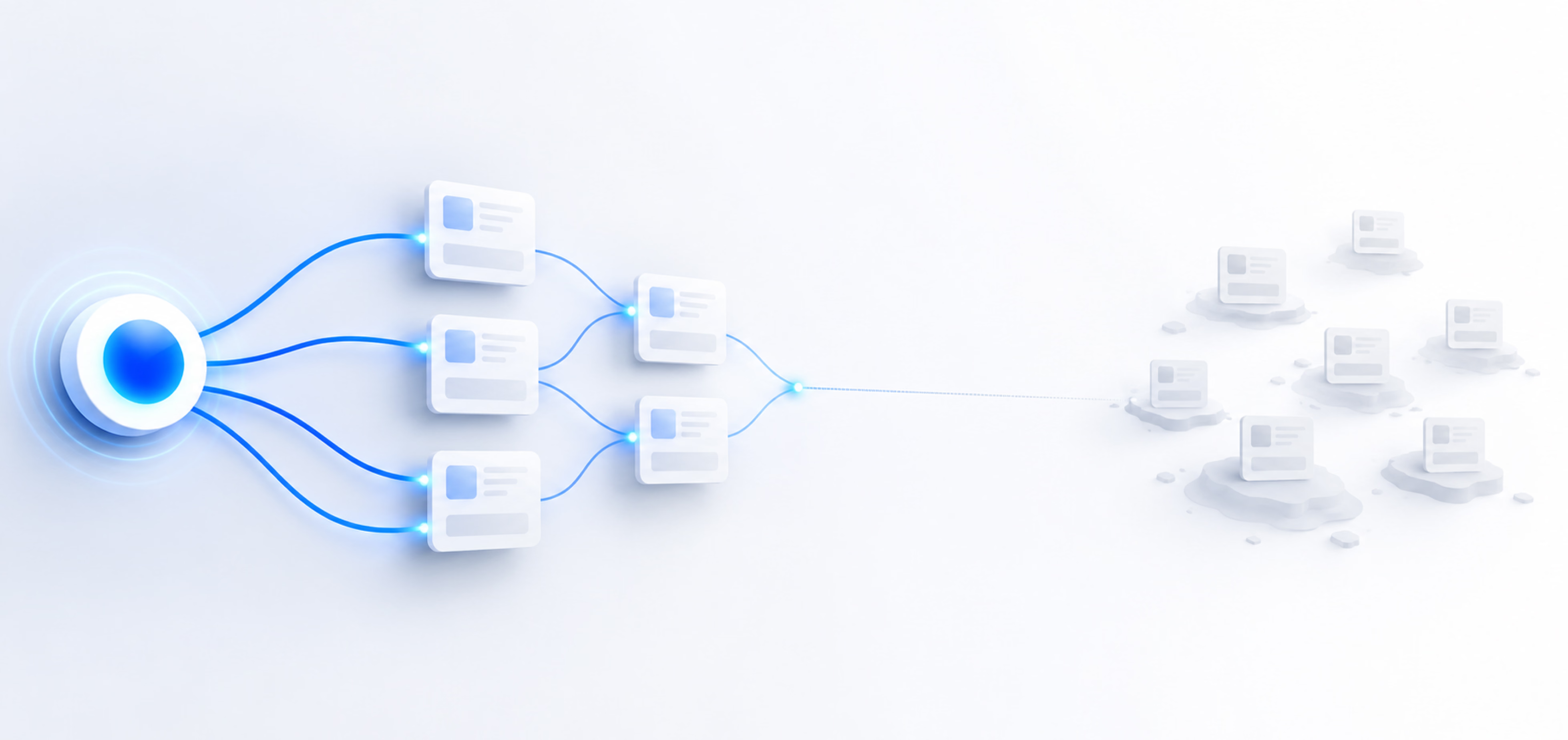
But look at what that single link is being asked to carry. Page 1 spends one of its links on a pagination control, and behind that one link sits your entire archive. Every post beyond page 1 then sits further from your strongest pages with each hop.
Google has been explicit that this distance matters. John Mueller has put it plainly: if it takes multiple clicks to get from your homepage to a piece of content, that makes it harder for Google to understand that the content is important. Pages one click from a strong page get more weight than pages sitting four clicks deep.
So your deep content is not orphaned in the strict, "no links at all" sense. It is orphaned in practice: technically reachable, effectively starved. Indexed and ignored.
That is the distinction the whole problem turns on. Not visibility. Equity.
"But Webflow lists every item in the sitemap, so they are discoverable"
This is the first objection every technical reader raises, and it is a fair one. Webflow auto-generates an XML sitemap that includes your CMS items by default. So every post is discoverable. Case closed?
No. Discovery and internal linking are two different jobs, and only one of them is scarce.
A sitemap tells Google that a URL exists. That is genuinely useful, and it is why your old posts stay indexed rather than dropping out entirely. But Google is direct about the limits: a sitemap helps search engines discover URLs, and does not guarantee they will be crawled or indexed. It gets a page considered. It does very little to tell Google that the page matters, or which of your thousand indexed URLs deserves to rank.
Internal links are how you signal that a page matters. They pass authority, they establish topical relationships, and they concentrate ranking signals on the pages you care about. A page that is in the sitemap but earns no meaningful internal links is discovered and unendorsed. Google knows it is there. Google has very little reason to rank it.
So yes, your archive is discoverable. That was never the problem. The problem is that discovery is cheap and equity is scarce, and the sitemap only solves the cheap half.
The Webflow-specific part
Webflow renders CMS pagination as server-side anchor links in the format
?[collection-id]_page=2. View the source of any paginated Webflow Collection List and you
will find a plain <a href> sitting there, no JavaScript execution required. Google's
own pagination guidance asks for exactly that, so Webflow is doing this part correctly. Again: this is
not an invisibility issue.
The issue is what that URL structure represents. Webflow's pagination is a navigation mechanic. It exists to let a visitor page through a Collection List, one screen at a time. It was never designed as a content-organisation strategy, and it does not behave like one. It does not create durable, topical links between your posts. It creates a linear "next page" chain that pushes each subsequent post further from your strongest pages and points nowhere in particular.
There is a further wrinkle worth flagging without pretending to resolve it here: how Webflow canonicalises these paginated URLs changed in early 2024, and the guidance around it is still unsettled enough to be its own rabbit hole. We are writing that up separately. For this post, treat it as a symptom of the same root issue, that Webflow's default pagination is a viewport tool being asked to do an SEO job, rather than something you need to untangle to act.
What this looks like in the wild
We saw this on a podcast site with 40-plus episodes. Every episode had its own page: real show notes, transcript, embedded player. All live. All in the sitemap. All indexed.
And past the first page of the episode listing, the older episodes were islands. The only path to them from a strong page was the pagination chain. No episode linked to a related episode. No topic hub gathered them. Nothing on the site said "this older episode is relevant to that newer one."
The before-state was stark and worth stating plainly, because it is the whole point: the deep episodes were live, indexed, and isolated, pulling essentially zero impressions. Not penalised. Not broken. Just under-linked into silence.
On a 40-episode site, note, this has nothing to do with crawl budget. Google's own guidance puts that concern at sites with more than a million pages, or ten thousand that change daily. Forty pages is not close. The equity was the constraint, not the crawl.
The fix: replace the mechanic with real internal links
The principle is simple. Stop relying on pagination to be your linking strategy, because it was never built to be one. Give every piece of content several relevant, editorial internal links from other strong pages.
In practice, on Webflow, that usually means a related items block: an auto-populated Collection List, filtered to items sharing a category, tag, or topic with the current one, placed on every post. Do that and each episode or article now earns multiple contextual inbound links from genuinely related pages, instead of one weak link from a pagination chain. Authority flows along topical lines rather than draining down a linear "next" sequence.
The mechanics of building that related block well, the filtering, the fallback logic, the placement, are enough to be their own guide, and we are writing one. Pair it with a deliberate internal linking strategy across the whole site and the paginated archive stops being a dead end.
Being honest about results: this fix is recent for us, and we are holding some content rewrites, so we do not yet have clean "impressions rose by X percent" numbers to wave around. We are not going to invent them. What we can say precisely is the mechanism: pages that sat several clicks behind a pagination control now have several direct contextual links from related pages, which is the signal Google has said it uses to work out which pages matter. We will follow up with the data once it is real.
Categories and tags: give your content more page-1 hubs
There is a second structural fix that works alongside the first, and it comes straight from how you organise the content. If you split one long archive into categories or tags, each of those becomes its own listing page, its own hub, with its own page 1.
A post that was stranded on page 4 of a single giant blog listing can instead sit on page 1 of a focused category page that links directly to it. You have not added authority out of nowhere, but you have created more shallow, well-linked pages that point straight at your deeper content. Google is explicit that it reads both how many links point to a page and how many clicks it takes to reach one as signals of importance, and category pages improve both.
Here is the catch, and it is the reason this advice gets people into trouble. A taxonomy page only helps if it is worth existing. A tag page with two posts, or an auto-generated tag for every phrase you have ever used, is thin content. Google may leave it in "Crawled, currently not indexed" and you will have spent crawl on it for nothing. Sprawling, overlapping tags also start competing with each other for the same searches.
So the honest rule is a disciplined one. Keep a small set of real categories and let them stay indexable, because a substantive category page can rank as a topic hub in its own right. Be ruthless with tags: curate them, or set the thin ones to noindex while still letting Google follow their links, so equity flows to the posts even if the tag page itself does not rank. And be clear-eyed that a large category still paginates internally. Categories buy you shallower click depth and cleaner topical grouping, not the end of pagination.
In Webflow, the plumbing is straightforward. Add a Categories collection, then a reference or multi-reference field on your posts pointing at it. Webflow gives each category its own crawlable template page, and a Collection List on that page, filtered to the current category, renders direct links to every post inside it. The parts are there. The discipline is on you.
When to kill pagination, and when to keep it
This is where the nuance matters, because "remove pagination" as a blanket rule is its own bad take.
Remove it when your Collection is small to moderate (a few dozen to a couple of hundred items) and pagination is the only thing standing between your strong pages and your deep content. Show more items per page, or switch to a load-more pattern, and lean on contextual internal links to carry equity. On a 40-episode site, there is no reason to paginate at all.
Keep it when the Collection is genuinely large, where showing everything on one page would hurt load time and user experience. But if you keep it, do not let it be your linking strategy. Pair it with strong contextual linking, topic hubs, and category pages that gather and endorse the deep items directly. Pagination for the human browsing experience is fine. Pagination as the sole authority path to your archive is the mistake.
The distinction is not "pagination bad." It is "pagination doing a job it was never designed for."
The reframe
Your archive is not lost. It is under-linked.
Every one of those quiet older posts is still live, still indexed, still discoverable. Discovery was never scarce. What is scarce is equity, the internal authority that tells Google a page is worth ranking, and Webflow's default pagination barely passes any of it to the content behind page 1.
Fix the linking and you are not resurrecting dead content. You are finally endorsing content that was there the whole time. If you are moving to Webflow in the first place, our guide on migrating without losing your SEO rankings covers the redirects and structure that stop this happening on day one.
One small meta note, since we are practising what we preach: the related links you will see under this post work exactly the way we just described. Contextual, topical, earning each other equity. That is the fix, running live.
If you would rather we find the orphaned equity on your own site and map the fix, that is what our free audit is for. Book a free audit and we will show you what your archive could be pulling.